HTML5 and CSS3 course for beginners
Learn HTML5 and CSS3Free Tutorials & LivePractice Editor
A free HTML5 and CSS3 tutorial you can follow chapter by chapter, with a try-it editor, auto-checked exercises and web tools, from your first tag to a certificate.
start learning
HTML, CSS and JavaScript Tutorials
Begin with the fundamentals or jump into modern frameworks, styling systems, and practical development workflows.
HTML Tutorial
Learn HTML from the original HTML5andCSS3.org tutorial chapters, A complete step‑by‑step HTML tutorial with interactive examples and live Try‑It editor.
CSS Tutorial
Learn CSS from first principles through modern layout, responsive components, accessible interfaces, animation, performance, and production architecture.
JavaScript Tutorial
Learn JavaScript fundamentals including variables, functions, conditions, arrays, objects, and DOM interactions.
DSA Tutorial
Learn data structures and algorithms in JavaScript: arrays, hash maps, trees, graphs, recursion and the patterns interviews actually ask about.
React Tutorial
Learn React with function components and hooks: JSX, props, state, effects, context and custom hooks, every example runnable in the browser.
course outline
HTML5 and CSS3 Course: What You Will Learn
Follow the HTML5 and CSS3 tutorials in this order, from your first page to responsive layouts. Each step links to its lessons.
Step 1
HTML5 basics
Start with what a tag is and how a page fits together, then add headings, paragraphs and links.
Step 2
HTML5 forms, media and semantic tags
Add images, tables and forms, and use the HTML5 elements that tell browsers what each part of a page is.
Step 3
CSS3 foundations
Connect a stylesheet, choose elements with selectors, and control color, text and spacing.
Step 4
CSS3 layout and responsive design
Arrange pages with Flexbox and Grid, then make one design work on phones and desktops.
Step 5
Practice what you learned
Solve exercises checked in your browser, fix broken code, and build a full responsive page.
Step 6
JavaScript and beyond
Make pages interactive with JavaScript, then continue to React and to data structures and algorithms.
Prefer a book? Download the HTML tutorial PDF or the CSS tutorial PDF.
Learning HTML5 and CSS3: Common Questions
- Should I learn HTML5 or CSS3 first?
- Learn HTML5 first. HTML holds the content and structure of a page, and CSS styles that structure. Once you can write headings, links, images and lists, start CSS and use both together.
- What is the difference between HTML5 and CSS3?
- HTML5 describes what is on a page, such as headings, forms and videos. CSS3 controls how it looks: colors, spacing, layout and animation. Almost every website uses both.
- Do I need to install anything?
- No. Lessons include examples you can edit and run in your browser. When you want to keep your own files, a text editor and a browser are enough.
- Can I use the tutorials offline?
- Yes. The HTML and CSS courses are also available as PDF books you can download and read without a connection.
build faster
Explore Popular Tools
Useful developer tools to format, generate, encode, optimize, and validate your work without leaving the workflow.
Color Contrast Checker
Check contrast ratio between two colors and review WCAG AA and AAA accessibility results.
Box Shadow Generator
Generate box-shadow CSS from offsets, blur, spread, color, opacity, and inset settings.
CSS Gradient Generator
Create modern gradients for your web projects
Timestamp Converter
Convert timestamps to human-readable dates instantly
UUID Generator
Create secure and random UUIDs in one click

URL Encoder / Decoder
Fast and reliable URL encoding and decoding tool
Base64 Encoder / Decoder
Fast and reliable Base64 encoding and decoding tool
HTML Minifier
Minify your HTML to reduce size and improve load speed
fresh insights
Explore Insights & Blogs
Read practical guides, comparisons, learning strategies, and web development insights designed to help you grow faster.
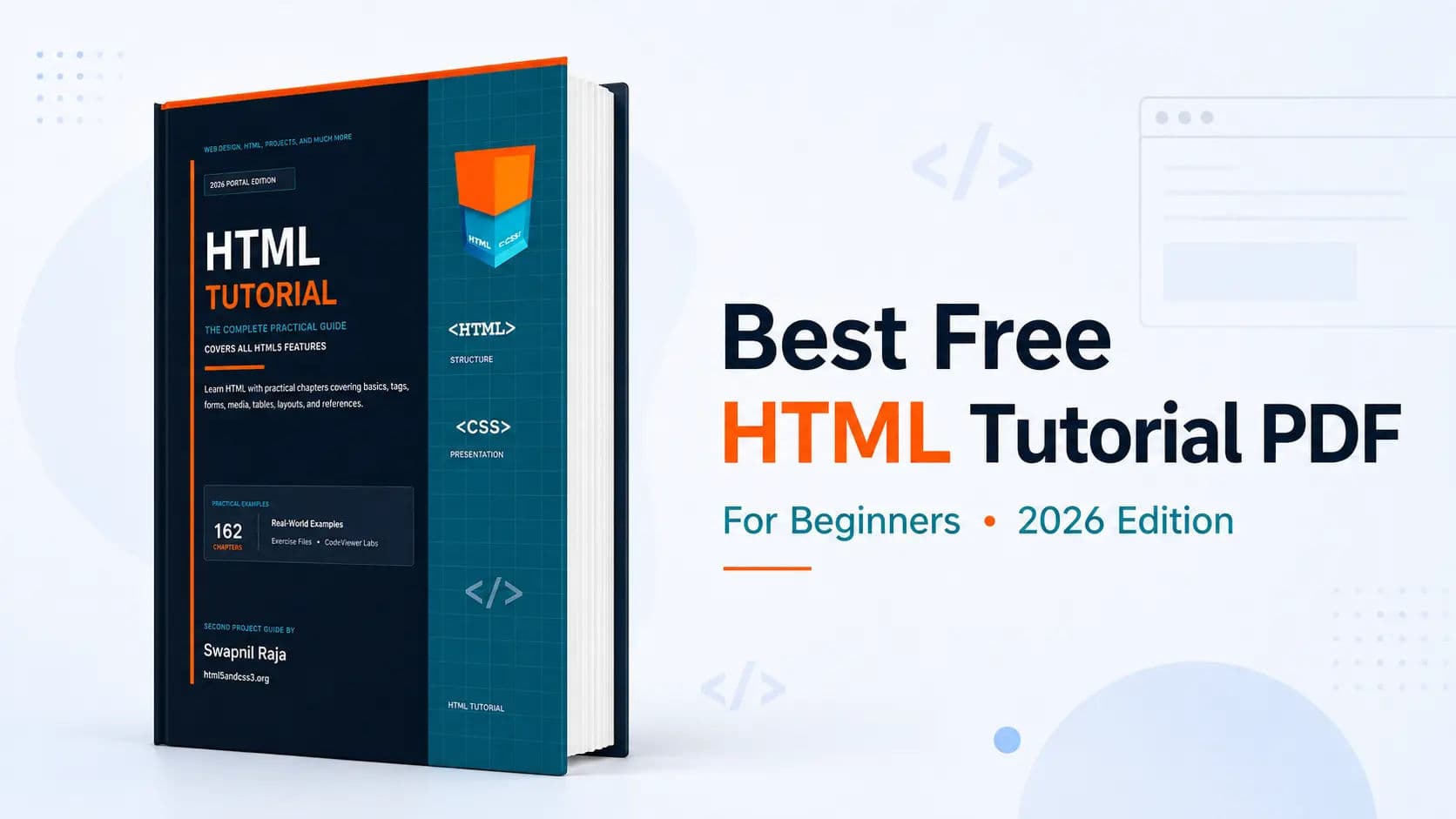
The Best Free HTML Tutorial PDF for Beginners (2026 Edition)
Download a free HTML tutorial PDF for beginners, updated for 2026, with 162 chapters, readable code examples, HTML5 elements, semantic HTML, forms, media, metadata, and a complete tag reference.
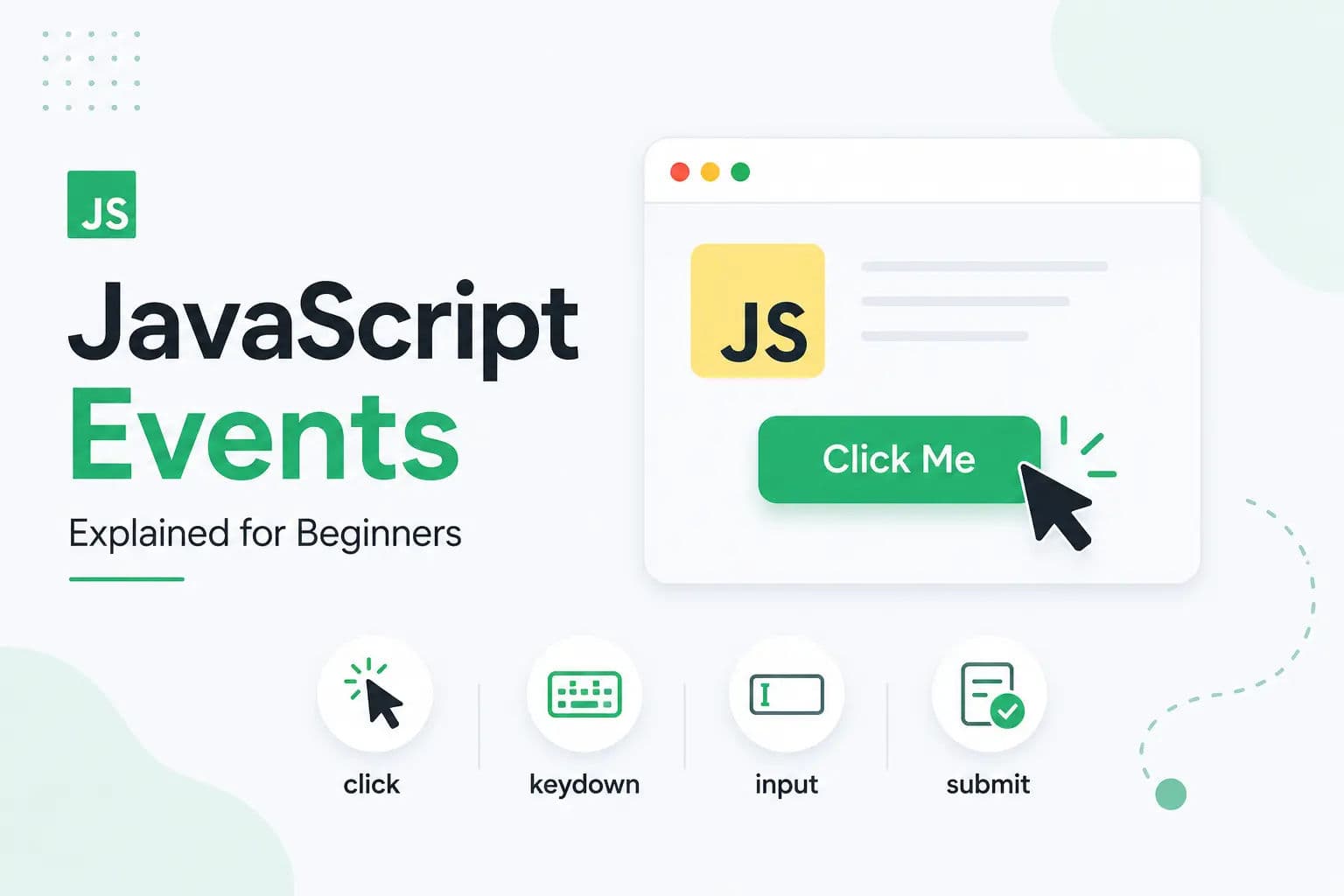
JavaScript Events Explained for Beginners with Simple Examples
Learn JavaScript events with simple beginner examples for clicks, input changes, form submissions, keyboard events, event objects, bubbling, delegation, and small interactive projects.
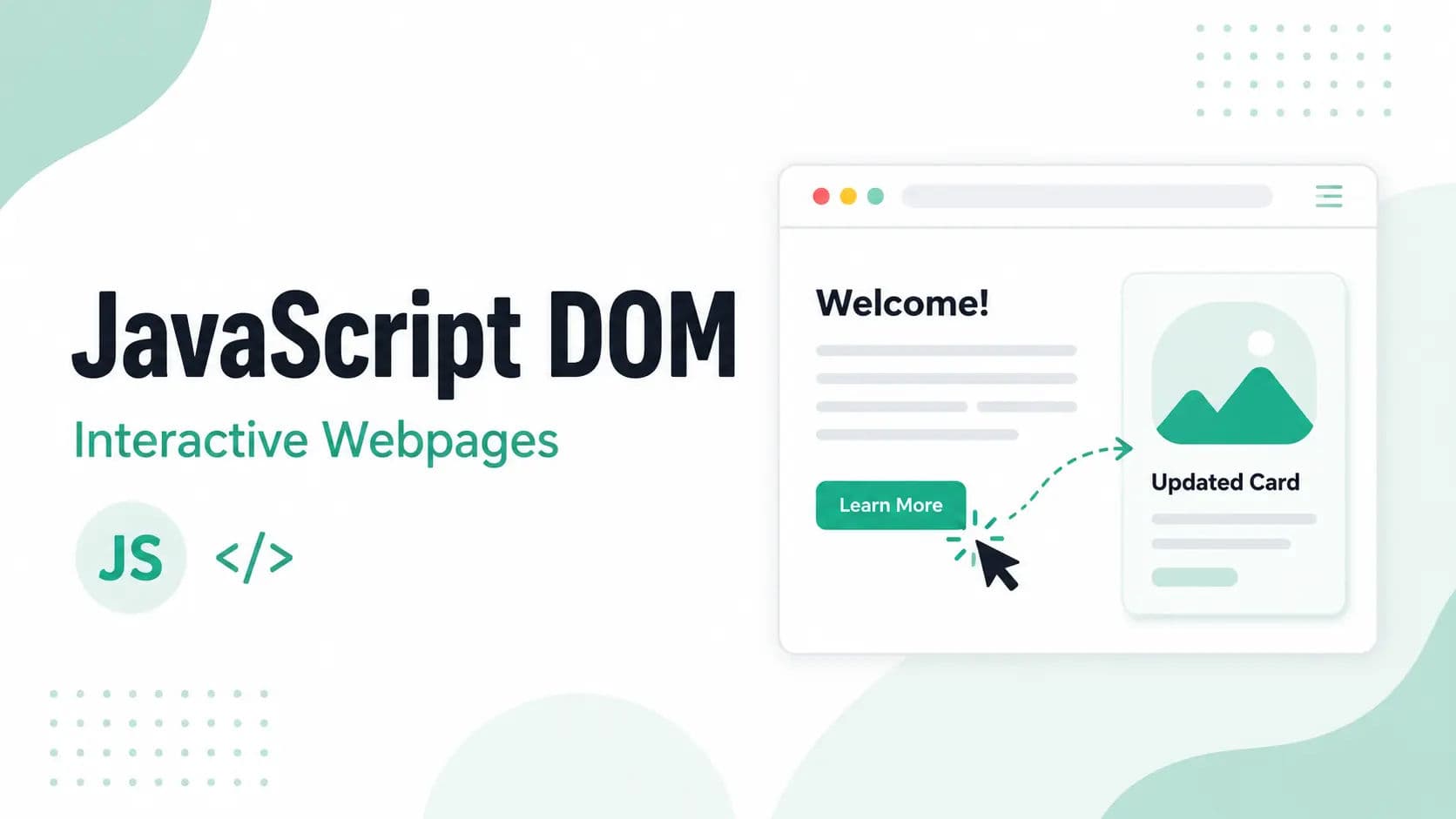
JavaScript DOM Manipulation for Beginners: Make Your Webpage Interactive
Learn JavaScript DOM manipulation with beginner-friendly examples for selecting elements, changing text, updating styles, handling events, validating forms, and building a to-do list.
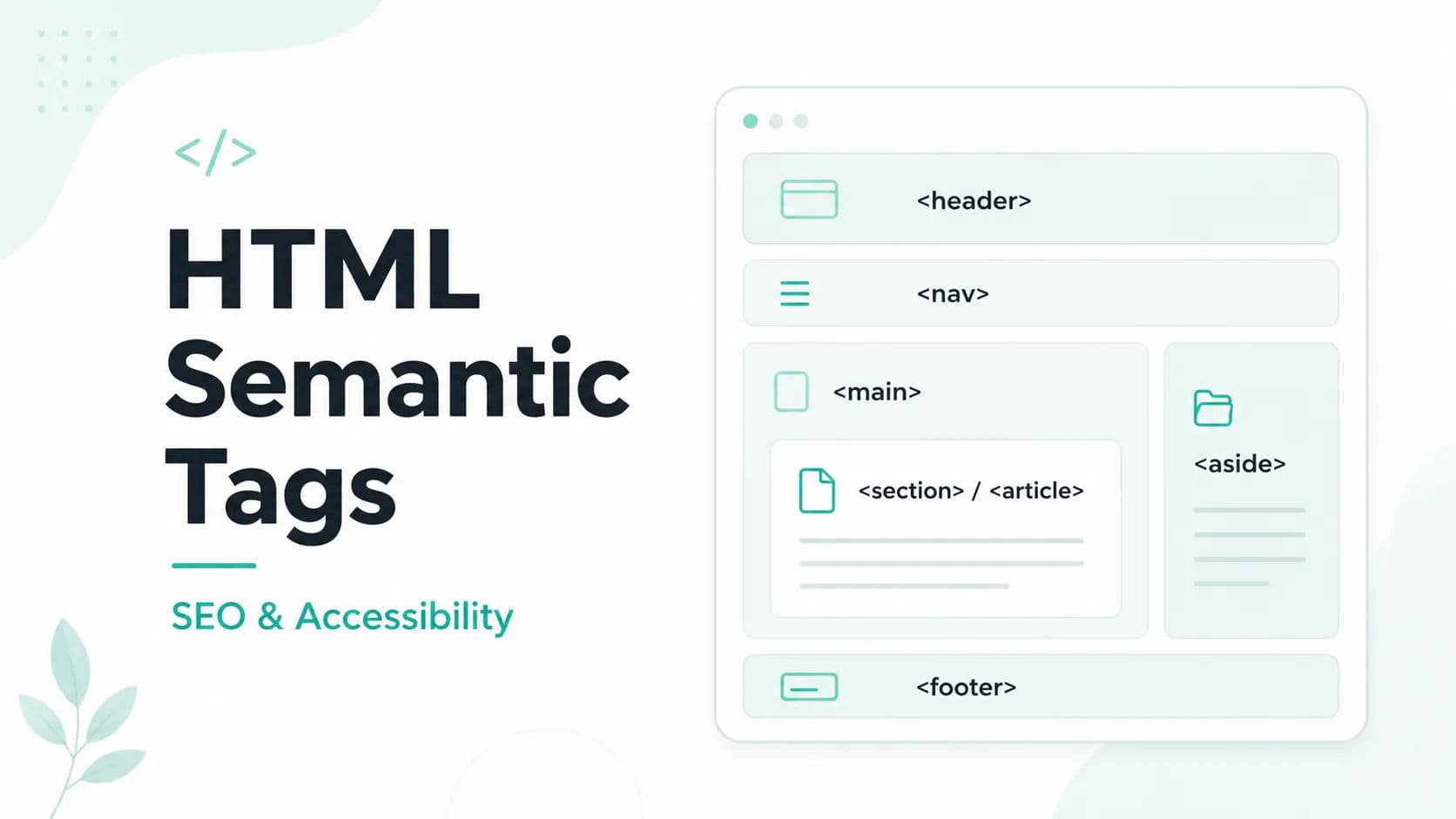
HTML Semantic Tags Explained: Why They Matter for SEO and Accessibility
Learn what semantic HTML tags are, why they matter for SEO and accessibility, and how to use them correctly in real webpages.
10 HTML and CSS Projects for Beginners to Practice in 2026
Practice HTML and CSS with 10 beginner-friendly projects, from login pages and contact forms to landing pages, portfolios, and responsive homepages.
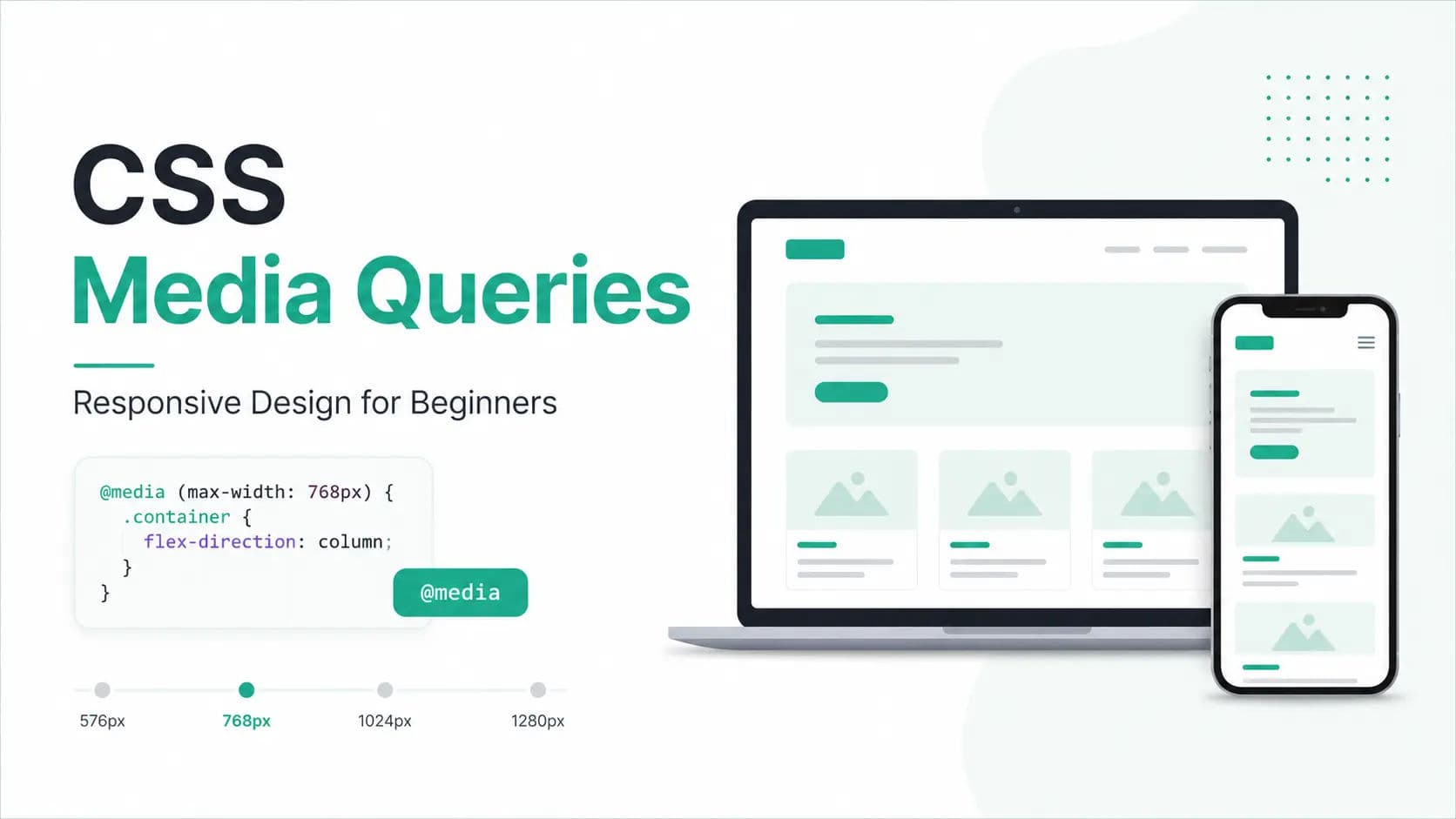
CSS Media Queries for Beginners: How to Make a Website Responsive
Learn CSS media queries, breakpoints, mobile-first responsive design, and practical examples for cards, navbars, images, fonts, Flexbox, and Grid layouts.
why choose us
Why Learn With Us
Everything you need to grow as a developer - without confusion, clutter, or outdated content.
Structured Learning
Follow a clear path from HTML basics to advanced frameworks without confusion.
Practical Tools
Use real developer tools to format, generate, and optimize your workflow.
Beginner Friendly
Simple explanations with no unnecessary jargon so you can learn faster.
Real Projects
Build real-world projects to gain confidence and practical experience.