
How to Start Learning HTML and CSS: A Beginner's Roadmap
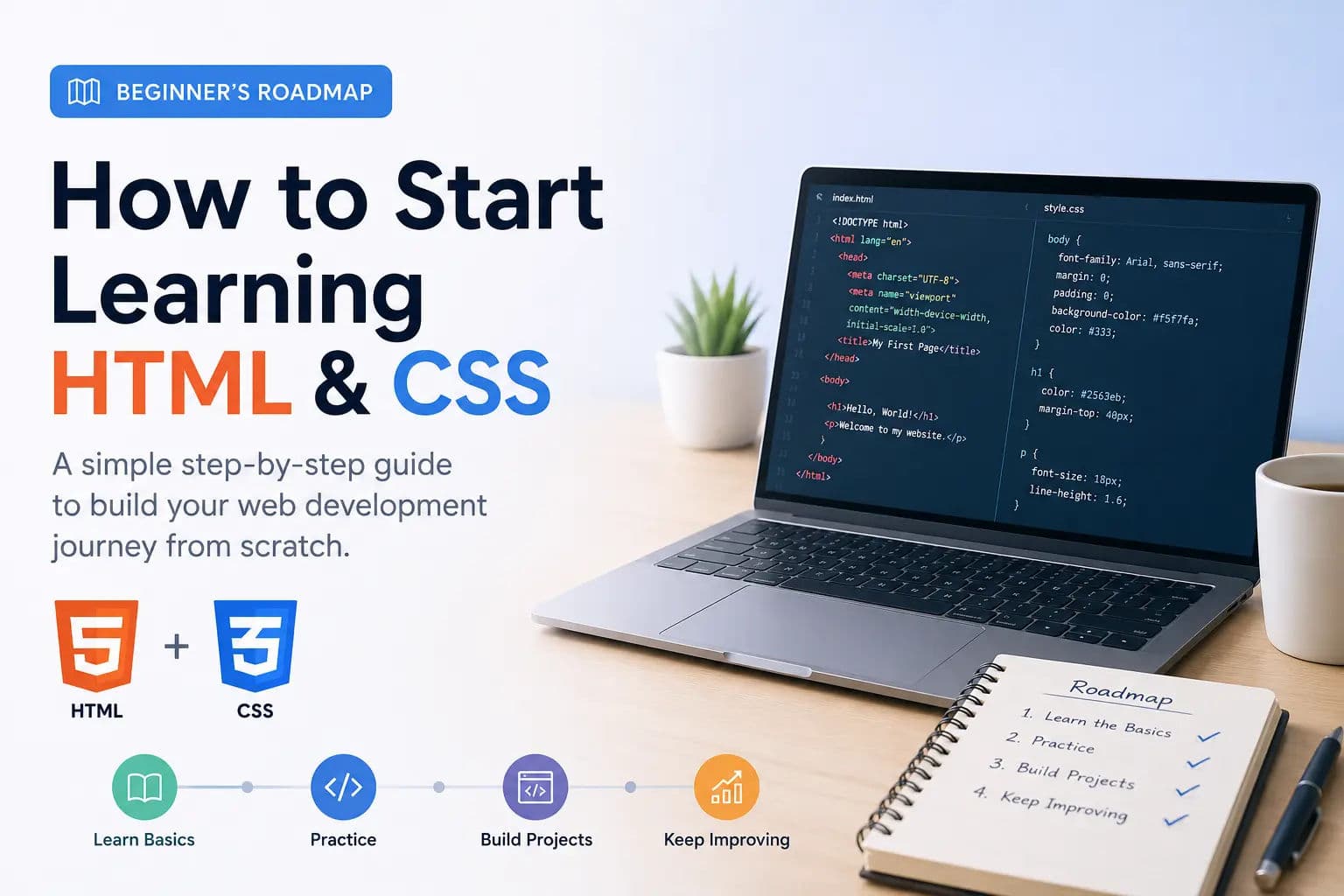
Learning web development can feel confusing in the beginning. There are so many technologies, frameworks, tools, and programming languages that beginners often do not know where to start.
But the truth is simple: if you want to build websites, you should start with HTML and CSS.
HTML and CSS are the foundation of the web. Every website you visit, whether it is a simple blog, a business website, an online store, or a large web application, uses HTML and CSS in some way. Before learning JavaScript, React, Next.js, or any modern frontend framework, understanding HTML and CSS will make your learning journey much easier.
In this guide, we will walk through a simple roadmap to start learning HTML and CSS step by step.
What is HTML?
HTML stands for HyperText Markup Language.
It is used to create the structure of a webpage. You can think of HTML as the skeleton of a website. It tells the browser what content should appear on the page.
With HTML, you can add:
For example, when you see a title on a webpage, it is usually created with an HTML heading tag. When you click a link, that link is created using HTML. When you fill out a contact form, the structure of that form is also created with HTML.
A very basic HTML example looks like this:
Basic HTML example
html
<!DOCTYPE html>
<html>
<head>
  <title>My First Webpage</title>
</head>
<body>
  <h1>Welcome to My Website</h1>
  <p>This is my first paragraph.</p>
</body>
</html>
This simple code creates a basic webpage with a title, heading, and paragraph.
What is CSS?
CSS stands for Cascading Style Sheets.
If HTML creates the structure, CSS makes that structure look beautiful. CSS is used to control the design and layout of a webpage.
With CSS, you can change:
- Text color
- Background color
- Font size
- Spacing
- Borders
- Width and height
- Layout
- Buttons
- Cards
- Animations
- Responsive design
For example, if you want your heading to be blue and centered, you can do that with CSS.
Basic CSS example
css
h1 {
  color: blue;
  text-align: center;
}
Without CSS, websites would look very plain. CSS gives life to HTML by adding design, spacing, layout, and visual style.
Why Should You Learn HTML and CSS First?
Many beginners want to directly jump into JavaScript or modern frameworks like React. But that is not the best approach.
HTML and CSS help you understand how websites are actually built. Once you know how webpage structure and styling work, learning JavaScript and frontend frameworks becomes much easier.
Here are some reasons why HTML and CSS should be your first step:
HTML and CSS are beginner-friendly. You do not need advanced programming knowledge to start. You can write a few lines of code and immediately see the result in your browser.
They are used everywhere. Every website needs HTML and CSS. Even modern frameworks like React and Vue still use HTML-like structure and CSS styling.
They help you build real projects. With only HTML and CSS, you can create landing pages, portfolio websites, blog layouts, forms, navigation bars, pricing cards, and many other useful designs.
They build your confidence. When you create your first webpage and see it working in the browser, it gives you motivation to continue learning.
Step-by-Step Roadmap to Learn HTML and CSS
1. Start with the Basic HTML Structure
First, learn how a basic HTML document is written.
You should understand these parts:
HTML document structure
html
<!DOCTYPE html>
<html>
<head>
  <title>Page Title</title>
</head>
<body>
  Page content goes here
</body>
</html>
The <head> section contains information about the webpage, such as the title and linked files. The <body> section contains the visible content of the webpage.
Do not rush this part. Understanding the basic page structure is very important.
2. Learn Common HTML Tags
After understanding the basic structure, start learning common HTML tags.
Some important tags are:
Common HTML tags
html
<h1>Heading</h1>
<p>Paragraph</p>
<a href="#">Link</a>
<img src="image.jpg" alt="Image">
<ul>
  <li>List item</li>
</ul>
You do not need to memorize every HTML tag in the beginning. Start with the most common ones and practice them by creating small examples.
Focus on tags used for headings, paragraphs, links, images, lists, tables, and forms.
3. Understand Semantic HTML
Semantic HTML means using meaningful HTML tags.
For example:
Semantic HTML example
html
<header>
  <nav>Navigation</nav>
</header>

<main>
  <section>
    <h2>About Us</h2>
    <p>This is the about section.</p>
  </section>
</main>

<footer>
  Footer content
</footer>
Semantic tags make your webpage easier to understand for browsers, search engines, screen readers, and other developers.
Instead of using only <div> everywhere, use meaningful tags like:
<header><nav><main><section><article><aside><footer>
This is a good habit from the beginning.
4. Learn CSS Syntax
Once you understand basic HTML, start learning CSS.
CSS syntax is simple:
CSS syntax
css
selector {
  property: value;
}
Example:
CSS paragraph styling
css
p {
  color: #333;
  font-size: 16px;
}
Here, p is the selector, color and font-size are properties, and #333 and 16px are values.
Start with basic CSS properties like:
- color
- background-color
- font-size
- font-family
- margin
- padding
- border
- width
- height
- text-align
These properties are used again and again in real web design, especially once you start using Flexbox, Grid, and media queries.
5. Learn the CSS Box Model
The CSS box model is one of the most important concepts in CSS.
Every HTML element is treated like a box. That box has:
- Content
- Padding
- Border
- Margin
Example:
Box model example
css
.card {
  padding: 20px;
  border: 1px solid #ddd;
  margin: 20px;
}
Padding creates space inside the element. Margin creates space outside the element. Border appears around the element.
If you understand the box model properly, layout and spacing will become much easier.
6. Learn Flexbox
Flexbox is used to create flexible layouts.
It helps you align items horizontally and vertically. It is very useful for navigation bars, cards, buttons, sections, and responsive layouts.
Example:
Flexbox example
css
.container {
  display: flex;
  gap: 20px;
  align-items: center;
  justify-content: space-between;
}
As a beginner, Flexbox may feel a little confusing at first, but once you practice it, you will use it in almost every project.
Focus on these properties first:
- display: flex
- justify-content
- align-items
- gap
- flex-direction
- flex-wrap
7. Learn CSS Grid
CSS Grid is another powerful layout system.
Flexbox is great for one-dimensional layouts, while Grid is better for two-dimensional layouts like full page sections, image galleries, and dashboard-style designs.
Example:
CSS Grid example
css
.grid {
  display: grid;
  grid-template-columns: repeat(3, 1fr);
  gap: 24px;
}
You do not need to master CSS Grid on day one. First become comfortable with basic CSS and Flexbox, then start learning Grid.
8. Make Your Pages Responsive
A website should look good on desktop, tablet, and mobile devices.
This is called responsive web design.
You can use media queries to apply different styles for different screen sizes.
Example:
Responsive media query example
css
@media (max-width: 768px) {
  .container {
    flex-direction: column;
  }
}
Responsive design is very important because most users browse websites from mobile devices. A webpage that looks good only on desktop is not enough today.
Practice with Small Projects
The best way to learn HTML and CSS is by building small projects.
Do not only watch tutorials. Practice is the real key.
Here are some beginner-friendly project ideas:
- Personal Profile Page
- Landing Page
- Contact Form
- Pricing Card
- Blog Card Layout
- Responsive Navbar
These projects may look simple, but they teach you real-world layout, spacing, typography, and responsive design.
Common Mistakes Beginners Make
When learning HTML and CSS, beginners often make some common mistakes.
One common mistake is trying to memorize everything. You do not need to remember every tag or every CSS property. Even experienced developers check documentation when needed.
Another mistake is watching too many tutorials without building anything. Tutorials are helpful, but real learning happens when you write code yourself.
Many beginners also ignore semantic HTML. They use <div> for everything. This works visually, but it is not the best practice.
Some beginners use too much inline CSS. For example:
Inline CSS example
html
<p style="color: red;">This is text</p>Inline CSS is okay for testing, but in real projects, it is better to write CSS in a separate stylesheet.
Another common mistake is not testing the webpage on mobile devices. Always check how your page looks on different screen sizes.
How Long Does It Take to Learn HTML and CSS?
This depends on your practice.
If you practice regularly, you can learn the basics of HTML and CSS in a few weeks. But becoming good at layout, responsive design, and clean code takes time.
A practical timeline can look like this:
- In the first week, learn HTML structure and common tags.
- In the second week, learn basic CSS properties like colors, fonts, margin, padding, and borders.
- In the third week, learn box model, Flexbox, and simple layouts.
- In the fourth week, start building small projects and make them responsive.
You do not need to become perfect before building projects. Start building as soon as you understand the basics.
What Should You Learn After HTML and CSS?
After learning HTML and CSS, the next step is usually JavaScript.
JavaScript helps you add interactivity to websites. With JavaScript, you can create dropdown menus, sliders, form validation, popups, dynamic content, and much more.
After JavaScript, you can move to:
- Git and GitHub
- Responsive design best practices
- CSS frameworks like Bootstrap or Tailwind CSS
- JavaScript DOM manipulation
- React or Next.js
- Basic backend concepts
But do not rush. A strong foundation in HTML and CSS will help you understand everything better later.
Final Thoughts
HTML and CSS are the best starting point for anyone who wants to learn web development.
HTML helps you create the structure of a webpage, and CSS helps you design it. Together, they allow you to build beautiful, responsive, and user-friendly websites.
The best way to learn is simple: understand the basics, write code regularly, build small projects, and improve step by step.
You do not need to know everything before starting. Open your code editor, create your first HTML file, write a few lines of code, and see the result in your browser. Then reinforce the basics with real beginner projects.
That is how every web developer begins.

Author
Swapnil Raja
Founder of HTML5ANDCSS3.org and creator of its tutorials and tools.
Focused on practical frontend learning through real examples and hands-on utilities.
View profile